Standard email tools work well for individual accounts but aren’t designed for collaboration. Forwards, BCCs, and separate Slack discussions only create confusion once you’re beyond a few clients.
Help Scout for Professional Services
Your first client got your best. So should your hundredth.
As professional services businesses grow, client support is often the first thing to slip. Help Scout’s client support software keeps your team aligned and your clients feeling like the priority they are, no matter how big your roster gets.

Trusted by 1,300+ agencies, firms, and consulting groups


Respond to 56% more customer messages in the first year.
Teams on Help Scout have 25% higher CSAT scores than average.
Resolve 73% of AI interactions automatically on average.
Built for growth: 80% of Help Scout customers stay for 4+ years.
Gmail and Outlook aren’t built for scale
You end up with
Dropped Requests
One person forwards an email to a teammate and assumes they handled it. They didn’t, but no one knows except the client who got ignored.
Missing context
A client follows up on something last discussed 3 months ago, but the answer lives in the inbox of someone who’s on vacation for a week.
Invisible Workloads
You can see the client’s deliverables, but you can’t see the constant email back-and-forth that’s eating hours of your team’s time.
Conflicting replies
Two people answer the same client email without realizing it. Now your client is confused and you’re doing damage control.
Gmail and Outlook aren’t built for scale
Standard email tools work well for individual accounts but aren’t designed for collaboration. Forwards, BCCs, and separate Slack discussions only create confusion once you’re beyond a few clients.
Never miss a client message
Individual email inboxes are crowded with messages from colleagues, marketing emails, newsletters, and spam. It’s easy for a question from a client to get buried and forgotten. Help Scout makes it easy to route client questions to the right team or person and prioritize them accordingly, so nothing slips through the cracks.
Organize incoming emails
Create separate inboxes for departments like client support, sales, and billing to keep requests organized and create accountability.
Assign requests to teams or individuals
Create teams for employees working on specific client accounts, then automatically assign emails sent by those clients to the right team.
Automate the in-between tasks
Build workflows to automatically tag emails based on their content, route client conversations to specific teammates, add notes, and more.
Surface high-priority requests
Filter your inbox by tag, sender, company, or wait time to quickly view VIP messages or questions that have been waiting too long for a reply.
Track your team’s performance
Keep everyone accountable with detailed reports on response time, email volume, and satisfaction ratings by individual, team, channel, and account.
Respond 24/7 with AI Answers
Questions don’t just come up during business hours. AI Answers is an autonomous agent that uses your help center and approved knowledge sources to provide reliable answers, fast.
Put inbox zero back within reach
Questions don’t just come up during business hours. AI Answers is an autonomous agent that uses your help center and approved knowledge sources to provide reliable answers, fast.

Answer FAQs in seconds
Use AI to generate a draft based on past conversations and your help content, or insert a saved reply with a click. Just review, tweak, and hit send.
Summarize long back-and-forths
Get up to speed on 29-email threads in seconds with a quick AI summary that highlights the essentials and filters out the noise.
Know each client’s history
The conversation sidebar brings in key context like company details and previous conversations across the whole account.
View data from your whole stack
Connect your CRM, email marketing platform, business intelligence tool, or project management system to add even more client data to your sidebar.
Respond across email, social, and chat
Pull in messages from Facebook, Instagram, WhatsApp, and even live chat so you can keep all client comms organized in one place.
Help clients help themselves
Create a public-facing knowledge base with answers to common questions, or build password-protected articles for sharing client-specific information.
Work together without stepping on toes
When you don’t have shared visibility, you end up with chaos: duplicate replies, missed requests, and no clear sense of who’s handling what. Help Scout makes ownership clear, flags potential collisions, and keeps internal collaboration out of the client’s view.
Prevent duplicate work
Collision detection indicates when someone else is viewing or actively replying to a request and will alert you if a reply has already been sent.
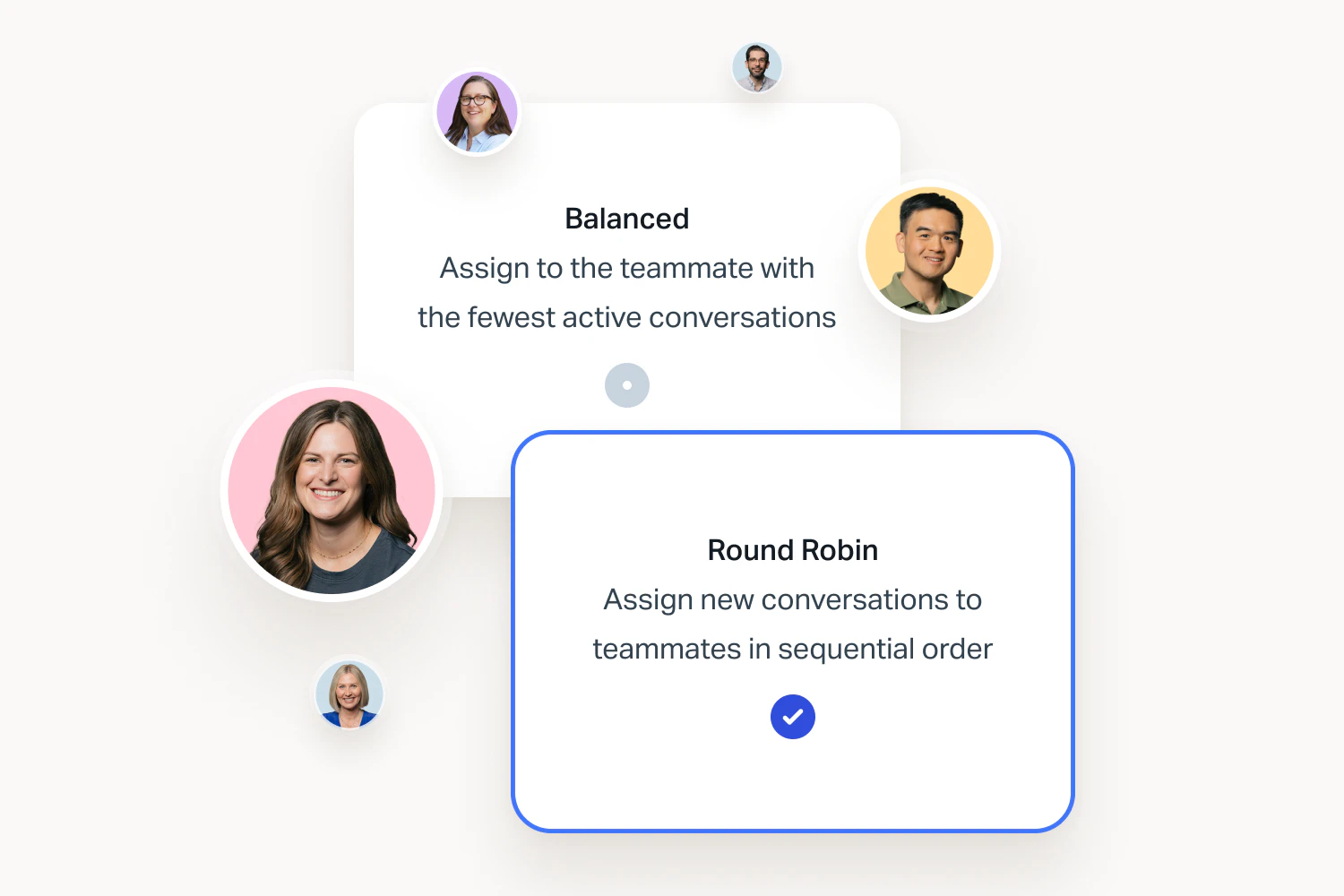
Spread the work evenly
Round-robin and load-balanced routing let you automatically assign conversations in a rotation or based on workload, so no one gets buried.
Have side conversations
Add an internal note to loop in teammates for private discussions and get the information you need to respond to clients.
Get up and running quickly
Powerful software doesn’t have to be complicated. Most professional services teams make the move in an afternoon.
Intuitive across teams
Since Help Scout feels like regular email, everyone can pick it up right away.

Keep your client history
Help Scout migrates your past emails and customer profiles, so you don’t lose context.

Help you won’t have to chase down
If you run into a snag, the team is here 24/6 to get you back on track.

Frequently Asked Questions
Help Scout is an intuitive platform that can be set up quickly with minimal help from your IT department. Read our guide to switching help desks for more details on the process. You can keep your existing email address and migrate old emails from Gmail or Outlook into Help Scout if desired using Import2.
Reach out to our support team or schedule a demo with sales if you’d like to walk through what the process might look like for your organization.
Help Scout works by forwarding your existing email account (e.g., support@, underwriting@, etc.) into our system. Once messages land in your Help Scout inbox, you can use all of our features to respond. All emails sent from Help Scout will still be sent using your existing email address. However, once you make the switch, all emails must be handled within your Help Scout inbox.
If you have old emails you'd like to have in Help Scout, we partner with a company called Import2 to migrate messages from platforms like Gmail, Outlook, Zendesk, and Intercom. Read more about Import2’s service.
Yes. Access to incoming messages happens at the inbox level. Depending on your pricing plan, you may be able to have multiple inboxes (e.g. one for IT, one for the financial aid department, another for admissions, etc.), and then you can decide which users have access to each of them separately.
We understand that every institution has unique needs around access and privacy. Our team would be happy to chat with you to discuss solutions in Help Scout that would meet your specific needs.
Feel free to reach out to our support team or schedule a demo.
Help Scout can be up and running in minutes. If you have access to the email account you want to use with Help Scout, you may not need any technical support at all.
For teams that want to go deeper, Help Scout’s API and native integrations with tools like Slack, Jira, Linear, HubSpot, and Stripe make it easy to connect to the rest of your stack.
When it comes to using Help Scout, the platform is very intuitive. If you’re already using Gmail or Outlook, you’ll pick it up quickly. Most people can learn the basics in an hour and become power users in the first week.
Reach out to our support team or schedule a demo if you’d like to walk through what the setup process looks like for your team.
Yes. You can create custom company and contact properties in Help Scout to capture the details your team cares about and display them in the conversation sidebar. These can be useful for giving teammates who reply to conversations the details they need to assign or research requests, like which client a contact works for, what type of retainer they’re on, or who owns the account.
The details included in custom properties can be added and edited manually, or you can pull in and sync data from the other tools you use (such as your CRM or accounting software) using Help Scout’s API or Zapier integration.
To ensure you’re meeting contractual response time commitments, you can set up service level agreements (SLAs) in Help Scout. Simply create a policy, define when the policy applies to conversations, and set your time targets. If you have different contractual response times for different clients, you can set up multiple SLAs that trigger based on things like company, customer properties, or custom fields.
Once your SLAs are set up, you can sort your inbox based on SLAs to see which conversations have been waiting the longest and are at risk of exceeding your contractual response time commitments.
Our pre-built reporting dashboards allow you to measure important metrics like conversation volumes, resolution times, and customer satisfaction scores across all channels.
You can also create custom reporting filters that allow you to track conversations based on tags, custom fields, or Views. Learn more about reporting in Help Scout.
Ready to go?
