



Integrate Kaizen with Help Scout
Turn insights into specific content recommendations by analyzing closed support conversations and collecting feedback directly from your Docs pages
Kaizen connects your Help Scout inbox and Docs knowledge base to a continuous improvement loop.
Two powerful features work together:
AI Conversation Analysis - When conversations close, Kaizen analyzes the conversation to identify if documentation gaps, outdated content, or unclear instructions contributed to the support request. You get specific recommendations for what to fix.
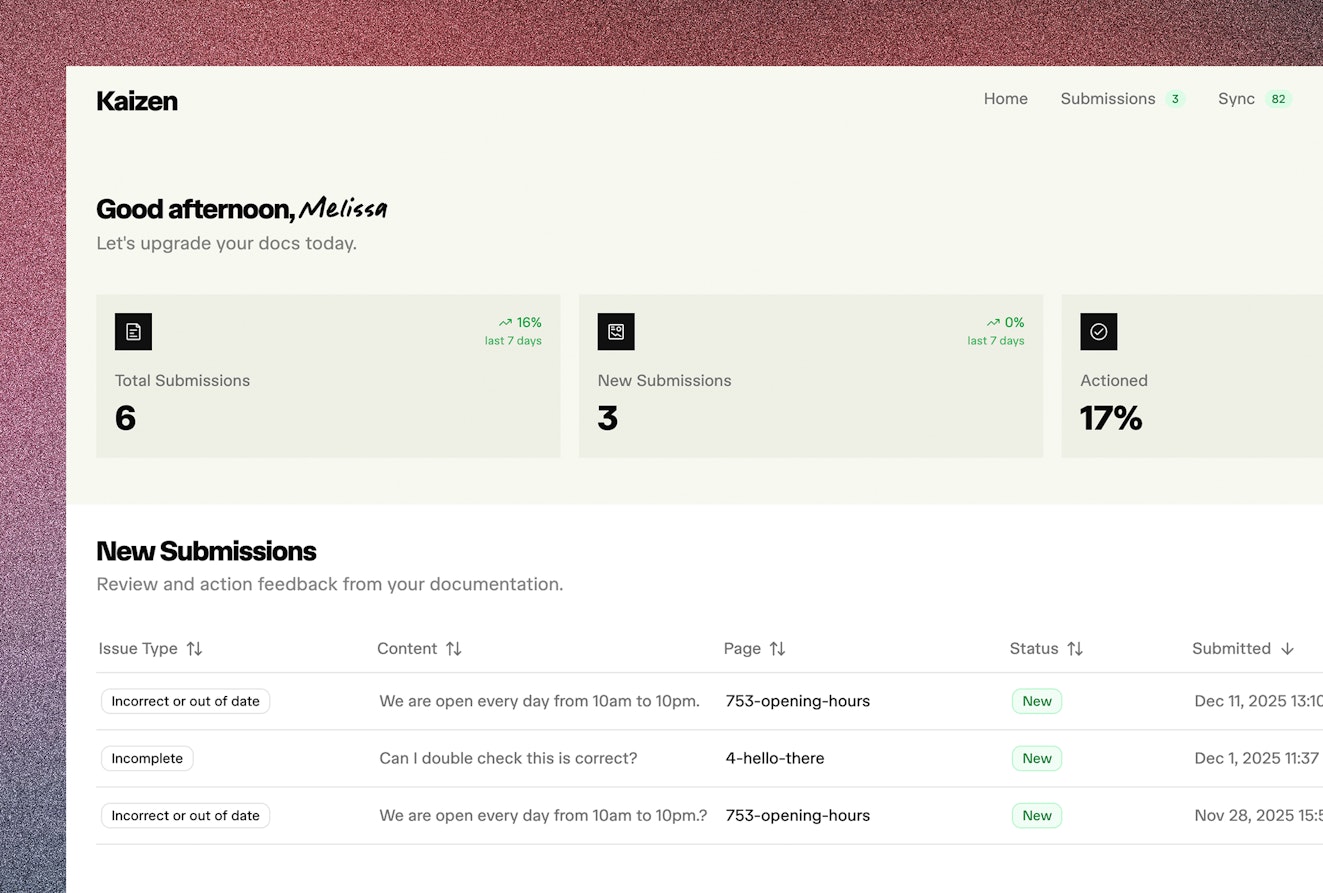
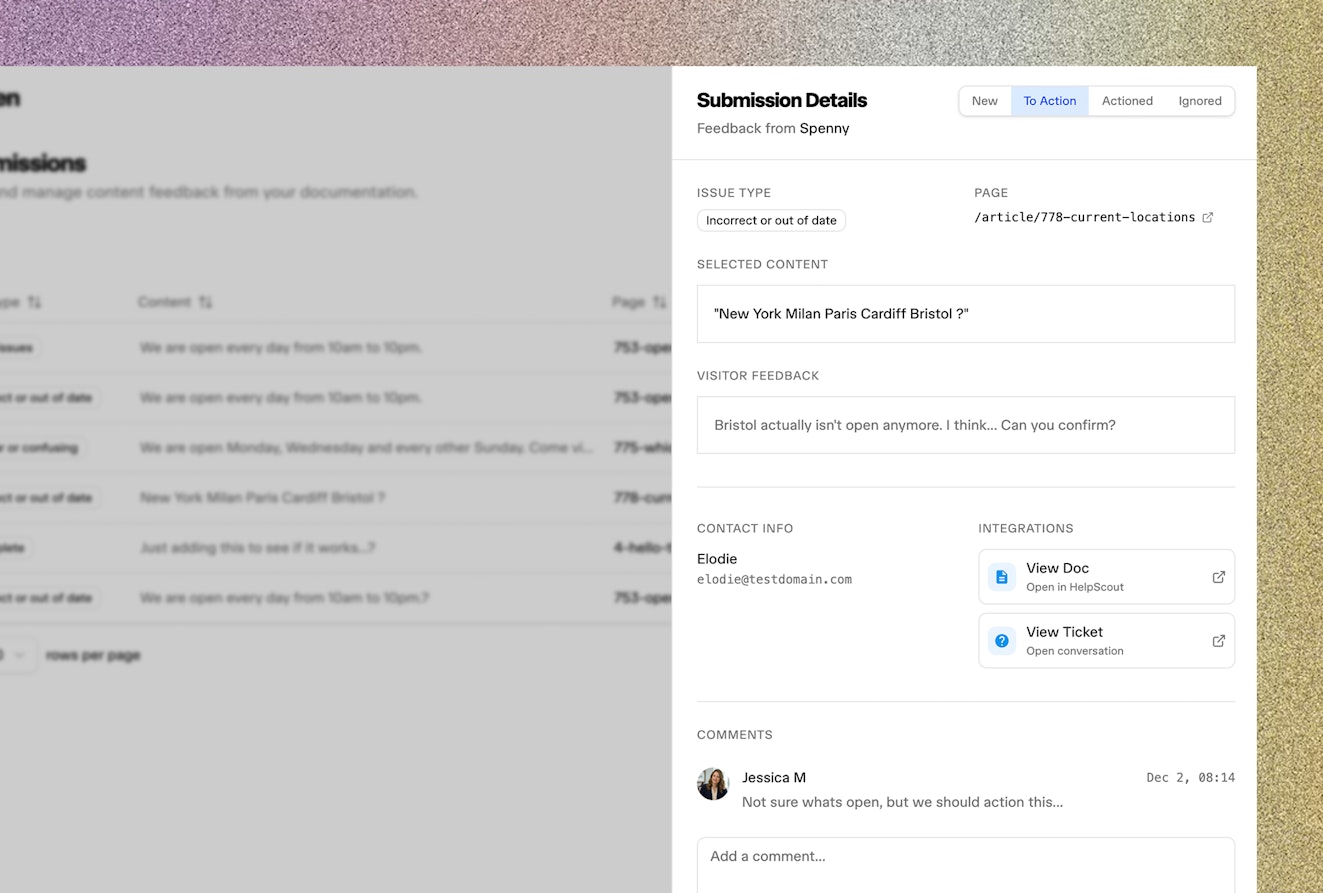
Reader Feedback Collection - An embeddable widget on your Docs pages lets readers report issues in real-time. flagging content as incorrect, unclear, incomplete, or outdated. They can highlight specific text and explain what's wrong.
Both streams flow into a unified dashboard where you can track trends, prioritize fixes, and measure improvements over time.

With Help Scout + Kaizen you can:
Reduce support volume by fixing the documentation gaps that generate support requests
Capture feedback at the moment readers encounter problems
Get AI-powered recommendations for exactly what content to update and how
Prioritize documentation improvements based on real customer impact
Not using Kaizen yet? Learn more at about the Help Scout connector here.
Need help? Please send your questions to Kaizen by emailing hello@kaizen.dev





