Policies and Procedures
We’re committed to keeping your data secure, your private information private, and being transparent about our practices as a business.
AI Transparency Hub
We use AI to make support easier, faster, and to complement the work that human support pros do. This page explains how our AI works, what data it uses, and how we keep your information safe.
Aside from the technical and security-focused details you’ll find on this page, we’ve also developed a set of building principles to inform when and how AI is incorporated into Help Scout. To learn more, check out Principled Building: How We Approach AI at Help Scout.
1. AI features in Help Scout
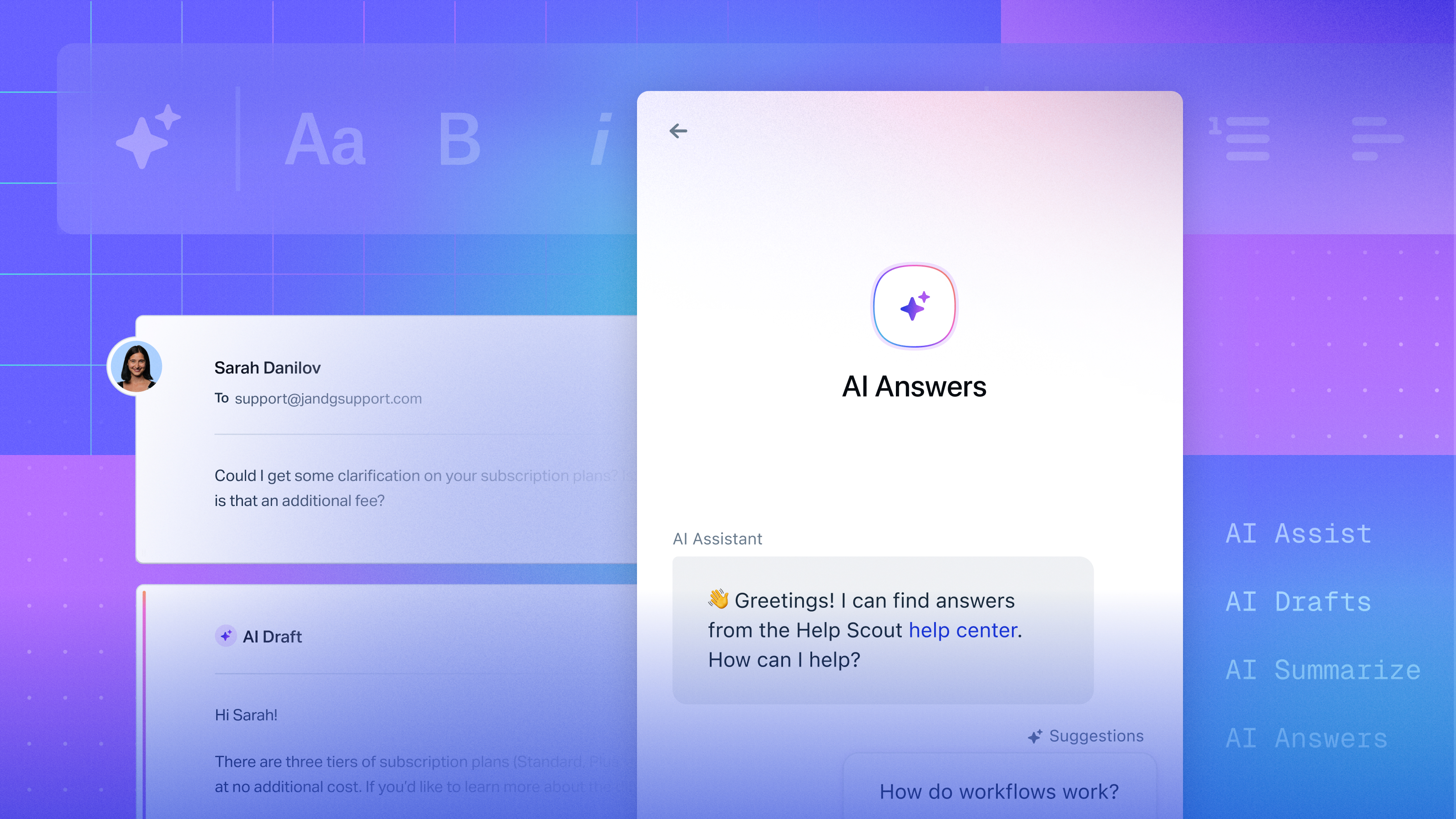
Currently, we offer four AI-powered features in Help Scout:
- AI Summarize
- AI Assist
- AI Drafts
- AI Answers
These features use AI to help with tasks like automatically drafting replies, summarizing conversations, editing and translating copy, and answering customer questions via channels like email and chat.
Each feature falls under one of two types of AI experiences:
-
User copilot (the AI provides assistance).
In this scenario, the AI gives you a suggestion or summary. You can edit, accept, or ignore the output and nothing is sent to an external party without human review. -
Customer-facing automation (the AI responds directly).
We also offer an AI experience where your customers can ask a question and get an automated answer instantly. In this case:-
The user interface (UI) is clearly labeled, ensuring that the customer knows they’re interacting with AI and not a human.
-
The AI bases its answers on your Help Scout content (knowledge base articles, past conversations, etc.), as well as any additional sources you’ve provided, such as your company’s website.
-
We are always transparent about when and how AI is involved in our experience. Whenever you’re using an AI-powered feature, it is clearly indicated in the UI with text, an icon, or in some cases, both.
2. The models behind our AI
Rather than developing our own large, “from scratch” AI models, we use established foundation models from OpenAI.
Here’s what that means in practice:
-
Foundation model:
The base model is responsible for things like language understanding, reasoning, and writing quality. Work like bias reduction and safety filtering at the model level is handled by our foundational provider, OpenAI. -
Light customization (LoRA):
For certain tasks (voice and tone, formatting, etc.) we apply lightweight fine-tuning using a technique called low-rank adaptation (LoRA). Instead of retraining the full model, we are able to train a very small adapter layer on a narrow task, allowing us to provide an experience that is more helpful for support use cases. -
No global retraining on your account data:
We don’t take your data and push it back to OpenAI to aid in training of the global foundation model.
3. How our AI is able to provide personalized assistance
When a customer or member of your team uses one of our AI features to generate an answer or perform a task, we send the AI model two things:
-
The question or prompt (e.g., “How do I reset my password?” or “Summarize this conversation.”)
-
Relevant context through content like your help center articles, conversation history, voice and tone requirements, adopted improvements, or information from any external sources that you’ve provided.
The model then uses that information to generate a response for that request.
Other things to know about the process:
-
Relevant contextual information is provided to the model at the time of request; we do not absorb your account data into the model.
-
We do not blend data from multiple Help Scout customers.
-
Once a response is generated, that context does not become permanent training data for the foundation model.
This is how our AI features can answer using your voice and your policies without permanently storing or globally learning from your content.
4. Data use and privacy
To generate helpful output the AI may need to see information from your account, including:
- Conversation content
- Help center articles
- Content from external sources you’ve asked the system to consider, such your website
- Other support-related information you’ve entered into Help Scout, such as voice and tone guidance and any AI Answers improvements
We treat that data as customer data, and our existing privacy, access control, and retention rules apply.
Is my data used to improve Help Scout’s AI?
We may use limited samples of customer data to evaluate and improve feature quality (for example, when tuning a LoRA adapter for tone or clarity). This is not the same as providing information to retrain the base OpenAI model, which we do not do.
We apply strict access controls and follow our data protection commitments (including GDPR and other applicable privacy laws). For questions about retention or data processing terms, please see our Privacy Policy and Data Protection Amendment.
Who owns the output provided by Help Scout’s AI features?
We do not claim ownership over your support content.
You continue to own all data that you contribute to your account (such as conversation data, knowledge base content, etc.) as well as any content that the AI generates for you and your customers.
5. Safety, abuse, and misuse controls
We use OpenAI’s moderation API to help detect unsafe or abusive content in prompts and responses. This is part of our effort to prevent harassment, hateful or violent content, and other clearly harmful output from being produced by our AI.
We also log non-HIPAA protected interactions and run internal reviews so we can investigate issues, improve safety rules, and respond to any abuse reports we receive.
If you or your customers ever see output that feels incorrect, biased, or harmful, please contact us at help@helpscout.com.
6. Bias, fairness, and accuracy
Bias and fairness:
We rely on OpenAI’s foundation models, which are continually evaluated and refined for bias and harmful behavior at the model level. We then test our own prompts and fine-tuned adapters to reduce obvious skew in tone or suggested answers for typical support scenarios.
Accuracy and reliability:
AI is helpful, but not perfect. It can misunderstand context, make assumptions, or produce wording that’s not quite right for your brand.
Because of that:
-
You can always review and edit copilot-produced output before it is sent to customers.
-
Direct customer-facing AI interactions are clearly labeled as AI so the end user understands they’re interacting with an automated system and not a human agent.
We aim to avoid mystery automation. When using Help Scout, both you and your customers should always know when something is (or is not) AI.
Quick reference
Are AI features clearly labeled?
Yes. We clearly identify AI features with an icon, text, or both in the product UI.
Does Help Scout’s AI ever act without a person approving the message first?
Yes. AI Answers uses your help center content and other provided sources to supply instant customer-facing answers. It’s always disclosed as AI so the customer understands they’re talking to an automated system.
For other features like AI Drafts and AI Assist, a human can review and edit the output before it’s sent.
Do you train a giant “Help Scout model” on my data?
No. We rely on OpenAI’s foundation model to power our AI features. We may apply LoRA-style adapters for specific tasks, but those adapters do not rewrite the base model and are not broadcast across customers.
How does the AI know my context?
We temporarily send relevant snippets from your data with each request. These snippets include information from your knowledge base, prior customer conversations, and other sources that you provide to our system.
Do you monitor for harmful content?
Yes. We use OpenAI’s moderation API plus our own review process.
Who owns the content the AI creates for me and my customers?
You do.
Can I use Help Scout’s AI features and still be HIPAA compliant?
Yes. If you have signed a BAA with us and would like to enable AI features, please reach out to add an AI Feature Healthcare Addendum to your agreement.
Is it possible to have all AI features removed from my account?
Our AI Answers feature is turned off by default. It only appears to customers if you choose to enable it in your Beacons’ settings. More information can be found in our article on enabling AI Answers.
If you’d like to fully remove access to AI features in your account, please reach out to help@helpscout.com for assistance.
Bottom line: AI in Help Scout is transparent, privacy-respectful, and designed to work the way you work — with clear labeling, strong safeguards, and no undisclosed automation.